Chapter I
The shelf
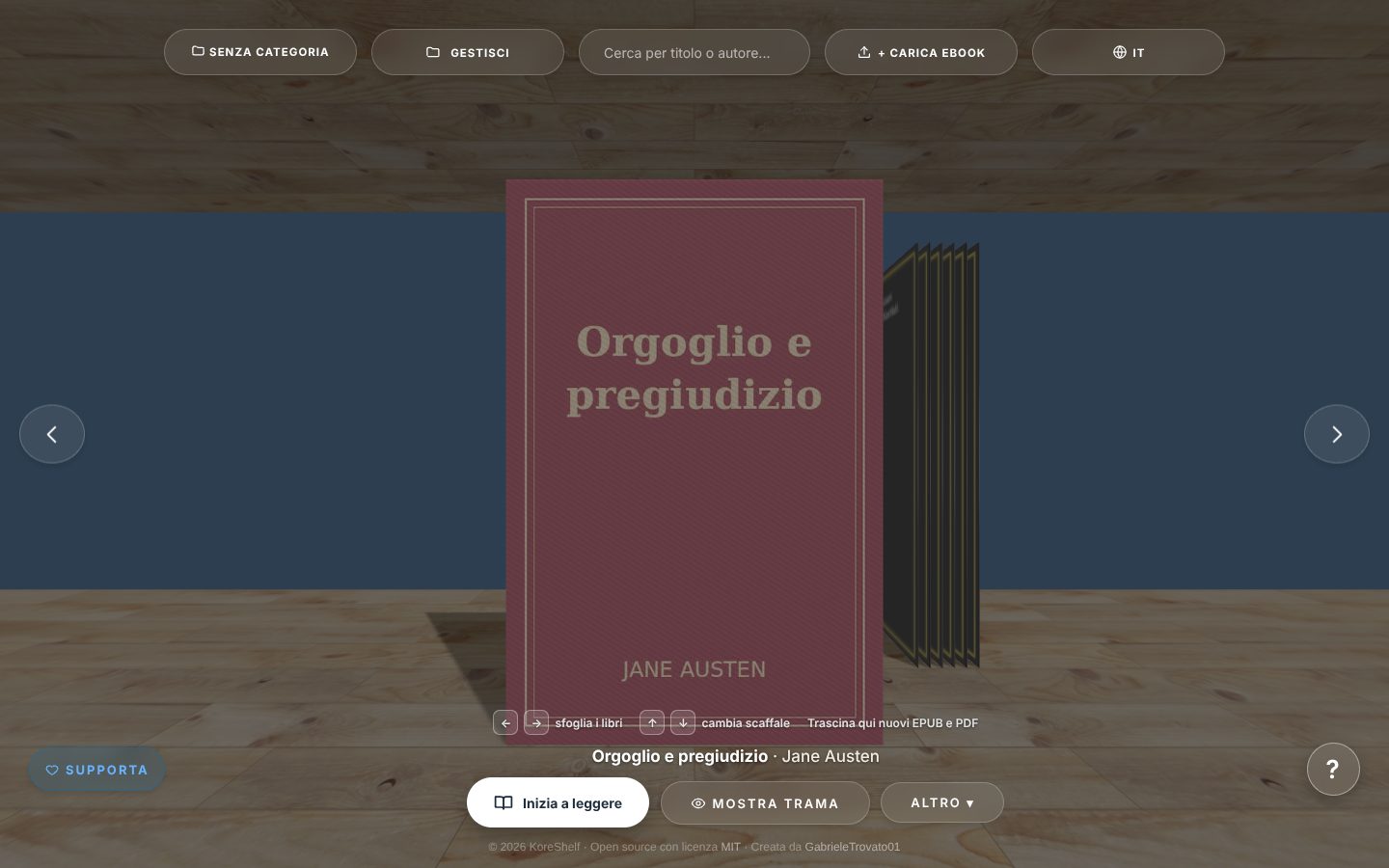
Add your EPUBs and PDFs and they’re arranged on a 3D shelf. The app looks up the cover, title and author. You can split your books across several shelves and find them by searching for a title or author.
free and open source
A free program to keep your EPUB and PDF ebooks organized and to read them. Download one file and open it: there’s nothing to install and you don’t need an account.
Download KoreShelf or choose another deviceChapter I
Add your EPUBs and PDFs and they’re arranged on a 3D shelf. The app looks up the cover, title and author. You can split your books across several shelves and find them by searching for a title or author.
Chapter II
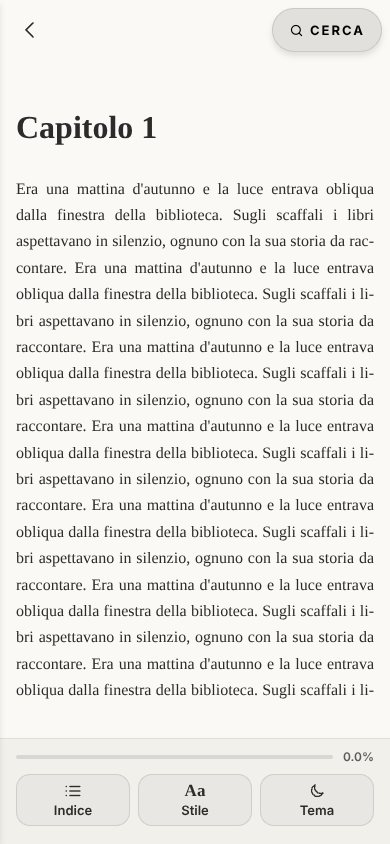
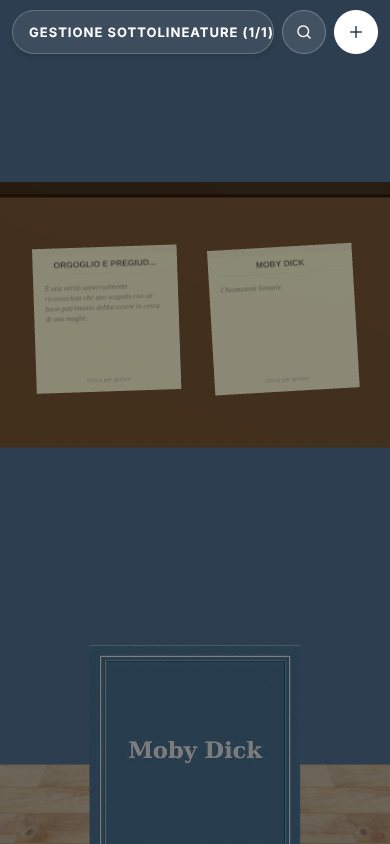
You read right in the app, page by page or scrolling, with a light or dark theme. The app remembers where you left off. The sentences you underline end up on a board, book by book.
Chapter III
You don’t need to create an account and there’s no subscription. Your books stay in a folder on your computer or phone and aren’t uploaded to the internet. The code is public on GitHub, under the MIT license.
Swipe with your finger, like in the app
Download index
Windows 10 and 11. On first launch: More info › Run anyway.
Apple silicon and Intel. Drag the app to Applications; on first launch: System Settings › Privacy & Security › Open Anyway.
Recent distributions. Make the file executable (Properties › Allow executing file as program) and open it.
Open the file on your phone and, if asked, allow installing unknown apps.
For advanced users: you need a computer and an Apple ID.
The first time, your system asks for confirmation, because KoreShelf is free and has no paid certificate. That’s normal and only happens once.
Apple only allows apps from outside the App Store through dedicated tools. For now, KoreShelf on iPhone and iPad takes a few extra steps.
With a free Apple ID the app must be refreshed every 7 days (AltStore does it for you). From iOS 16 you also need to turn on Developer Mode in Settings › Privacy & Security.